
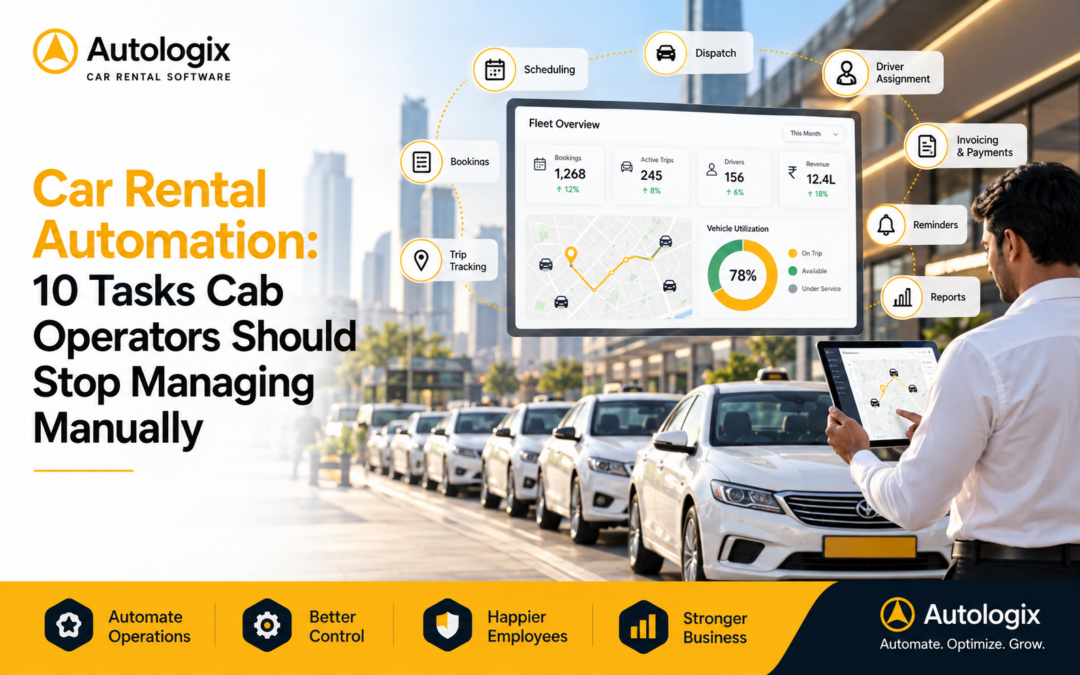
Running a cab or car rental business involves hundreds of small operational decisions every day.
A customer sends a booking.
Someone checks vehicle availability.
A driver needs to be assigned.
Trip details need to be shared.
The customer changes the pickup time.
Another vehicle becomes unavailable.
A completed trip needs to be recorded.
Billing information needs to be prepared.
When the business is small, teams can manage many of these activities through phone calls, spreadsheets, messages, and manual follow-ups.
But as bookings increase, the same processes start consuming more time.
This is where Car Rental Automation becomes useful.
Automation does not mean removing people from operations.
It means reducing repetitive tasks so teams can spend more time managing customers, drivers, fleet performance, and business growth.
Here are 10 daily tasks cab operators should consider automating.
1. Customer Booking Management
Every rental operation starts with a booking.
In a manual setup, booking information may arrive through:
- Phone calls
- Emails
- WhatsApp messages
- Website enquiries
- Corporate travel desks
The operations team then needs to manually record the details.
As booking volume increases, this becomes difficult to manage.
A missed message can become a missed trip.
Car Rental Booking Software can bring booking information into a more structured workflow.
Teams can manage details such as:
- Customer information
- Pickup location
- Drop location
- Booking date
- Reporting time
- Vehicle requirement
- Trip status
- Booking changes
Centralized booking management gives teams one place to check what needs to happen next.
2. Vehicle Availability Checks
One of the most common questions in a rental operation is:
Which vehicle is available?
When availability is managed manually, the answer may require checking spreadsheets, calling drivers, or asking another dispatcher.
This becomes particularly difficult when vehicles are completing multiple trips during the day.
A vehicle that appears available in a spreadsheet may already have another assignment.
This can create:
- Double bookings
- Last-minute vehicle changes
- Delayed confirmations
- Unnecessary outsourcing
- Customer dissatisfaction
Car Rental Software can provide a centralized view of current and upcoming vehicle assignments.
Dispatch teams can make allocation decisions with better operational visibility.
3. Driver Allocation
Finding a vehicle is only half the job.
The operator also needs the right driver.
Manual driver allocation often involves repeated calls and messages.
Teams may need to check:
- Driver availability
- Current assignment
- Upcoming booking
- Vehicle assignment
- Trip completion
- Shift availability
As the number of drivers grows, this process becomes harder to coordinate.
Car Rental Automation can help organize driver and trip information so dispatch teams spend less time manually checking availability.
4. Trip Creation and Assignment
Once the booking, vehicle, and driver are confirmed, a trip needs to be created.
In manual operations, teams may enter the same information several times.
The booking is recorded in one sheet.
Driver details are shared through WhatsApp.
Vehicle information is entered somewhere else.
Trip completion is later updated manually.
Every duplicate entry creates another opportunity for error.
Rental Management Software can connect booking information with trip operations so teams do not need to repeatedly recreate the same data.
5. Trip Updates and Status Tracking
A booking does not end when the vehicle leaves the garage.
Operations teams still need to know:
- Has the driver started?
- Has the vehicle reached the pickup?
- Has the passenger boarded?
- Is the trip delayed?
- Has the trip been completed?
Without digital visibility, dispatch teams may depend on phone calls and messages for these updates.
That creates unnecessary coordination.
A connected Cab Management Software platform can make trip status easier to monitor from a centralized system.
Instead of asking drivers for every update, operations teams can focus on trips that actually require attention.
6. Customer Notifications
Customers want information.
They may need confirmation that:
- Their booking has been received
- A vehicle has been assigned
- Driver information is available
- The vehicle is approaching
- A trip has changed
Manually sending every update takes time.
It also creates inconsistency.
One customer may receive complete information while another receives an update late.
Automation can help standardize routine booking and trip communication.
This creates a smoother customer experience while reducing repetitive work for the operations team.
7. Booking Changes and Cancellations
Rental operations rarely go exactly according to plan.
Customers change reporting times.
Pickup locations change.
Bookings get cancelled.
Vehicle requirements change.
When these updates happen through different WhatsApp groups or phone calls, teams can easily work from outdated information.
A centralized booking system makes changes easier to record and communicate across operations.
The booking team, dispatch team, and management can work from the same updated information.
8. Billing Data Preparation
Billing is one of the areas where manual operations create significant administrative work.
At the end of a billing period, teams may need to collect information from:
- Booking spreadsheets
- Driver records
- Trip sheets
- Emails
- Customer confirmations
- WhatsApp messages
The objective is simple.
Determine which trips were completed and what should be billed.
But fragmented information makes the process complicated.
Digitally recorded booking and trip data can make billing preparation more structured.
This can help reduce:
- Missing trip records
- Duplicate entries
- Billing delays
- Manual reconciliation
- Customer disputes
For operators serving multiple corporate customers, this becomes particularly valuable.
9. Fleet Utilization Reporting
How many vehicles do you have?
Most operators know the answer.
A more important question is:
How effectively are those vehicles being used?
Manual systems make it difficult to continuously track:
- Trips per vehicle
- Vehicle availability
- Idle vehicles
- Frequently used vehicles
- Underutilized capacity
- Vehicle-wise activity
A Fleet Management Software or rental management platform can make this information easier to analyze.
Instead of waiting for somebody to prepare a report, management can gain better visibility into how the fleet is performing.
10. Management Reporting
Growing rental businesses need more than daily operational information.
Management may want to know:
- How many bookings were received?
- How many trips were completed?
- Which vehicles are being utilized?
- Which customers generate the most bookings?
- How is business activity changing?
- Where are operational exceptions occurring?
When reports depend on manually combining several spreadsheets, management information is always delayed.
Car Rental Business Software can organize operational data into dashboards and reports.
This gives business owners and managers a more consistent view of operations.
What Should Not Be Completely Automated?
Not every part of a rental business should operate without human involvement.
Customer relationships still matter.
Operational judgment still matters.
Driver management still matters.
Unexpected situations still require experienced people.
Automation works best when it handles repetitive activities and organizes information.
Your team should spend less time copying booking details between spreadsheets.
They should spend more time solving the situations where their experience actually adds value.
Why Car Rental Automation Matters as You Grow
Manual operations do not usually fail overnight.
They become slower gradually.
One additional customer creates more bookings.
More bookings require more vehicles.
More vehicles require more drivers.
More drivers create more coordination.
More corporate customers create more billing requirements.
Eventually, the team spends most of its day managing information rather than managing the business.
Car Rental Automation creates a more structured foundation for growth.
The objective is not simply doing today’s work faster.
It is creating an operating model that can handle tomorrow’s booking volume without increasing administrative work at the same rate.
Why Businesses Choose Autologix
Autologix helps cab operators and car rental businesses manage bookings, vehicles, drivers, trips, customers, and operational information through one connected platform.
With Autologix, businesses can:
- Manage customer bookings digitally
- Monitor vehicle availability
- Simplify driver and vehicle allocation
- Manage trips from one system
- Organize booking changes
- Improve fleet visibility
- Support billing workflows
- Monitor vehicle utilization
- Manage multiple customers
- Access operational reports and analytics
Whether you operate a growing local rental fleet or manage transportation for multiple corporate customers, Autologix helps reduce dependence on spreadsheets, calls, and fragmented manual processes.
Final Thoughts
Automation is not about making a cab business less personal.
It is about making repetitive work less manual.
Bookings should not need to be entered several times.
Vehicle availability should not require multiple phone calls.
Driver allocation should not depend entirely on WhatsApp.
Management reports should not take hours to prepare.
As operations grow, these small manual tasks become significant operational bottlenecks.
The right Car Rental Automation platform helps teams spend less time managing information and more time managing customers, fleet performance, and business growth.
For cab operators planning to scale, the question is not simply what can be automated.
It is what your team should stop doing manually.
FAQ
What is Car Rental Automation?
What tasks can cab operators automate?
Does Car Rental Automation replace operations teams?
Is Car Rental Software useful for small operators?
How does automation help a rental business scale?